Εργασίες πεδίου
Συνδέστε το γραφείο με την εργασία στο πεδίο.
Συντονίστε ομάδες, εργασίες και εξυπηρέτηση πελατών στο NAVARCHOS AI Business Suite. Δώστε στους υπευθύνους λειτουργιών σαφέστερη εικόνα του προγραμματισμού, της προόδου και όσων χρειάζονται προσοχή.
- Οργανώστε εργασίες και προγράμματα ομάδων για σαφείς καθημερινές αρμοδιότητες.
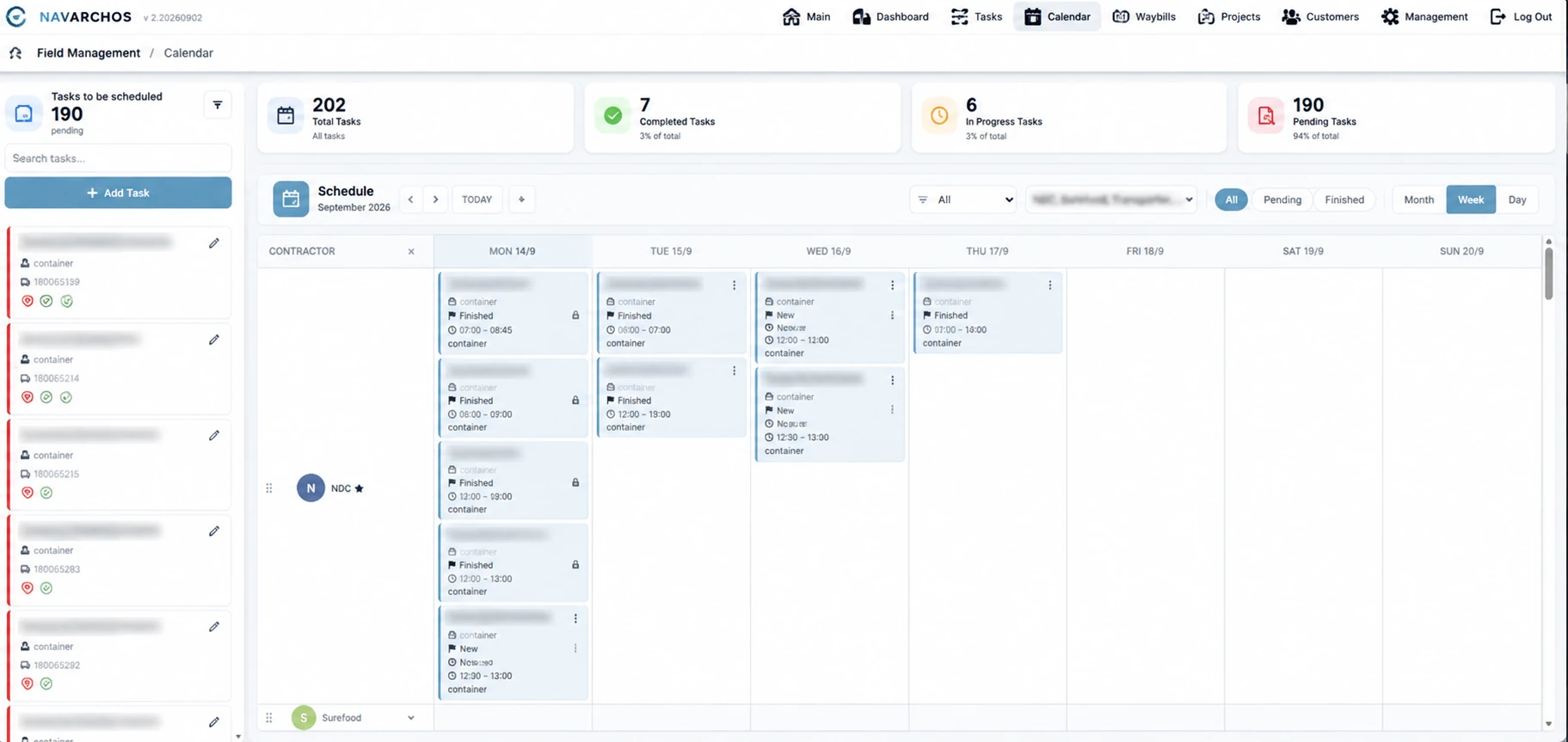
- Αξιοποιήστε τον προγραμματισμό μέσω ημερολογίου για τον συντονισμό των εργασιών πεδίου.
- Παρακολουθήστε την πρόοδο των δελτίων αποστολής μέσα από τις καταστάσεις εκτέλεσης και έγκρισης.
- Διατηρήστε τα στοιχεία έργου και πελάτη συνδεδεμένα με την εργασία.
- Εξετάστε τον όγκο και τον χρόνο εργασίας για να κατανοήσετε τη δραστηριότητα της ομάδας.
Καταγράψτε την εργασία.
Κρατήστε τις λεπτομέρειες συγκεντρωμένες.
Καταγράψτε τις εργασίες πεδίου με δελτία αποστολής που συνδέουν κάθε εργασία με τον πελάτη και το έργο της. Διατηρήστε ένα σαφές αρχείο που η ομάδα σας μπορεί να ελέγχει και να εκτυπώνει.
- Δημιουργήστε δελτία αποστολής για την καταγραφή των εργασιών που εκτελέστηκαν.
- Συνδέστε τις λεπτομέρειες της εργασίας με τον αντίστοιχο πελάτη και έργο.
- Παρακολουθήστε τις καταστάσεις εκτέλεσης και έγκρισης.
- Εκτυπώστε δελτία αποστολής για το αρχείο σας ή ως συνοδευτικά της εργασίας.

Δώστε σε κάθε εργασία
το σωστό πλαίσιο.
Εισαγάγετε τα έργα και τους πελάτες σας και συνδέστε τα με εργασίες και δελτία αποστολής, ώστε η ομάδα σας να διατηρεί οργανωμένες τις σχετικές δραστηριότητες.
- Εισαγάγετε αρχεία έργων και πελατών στην πλατφόρμα.
- Συνδέστε τις εργασίες με το έργο και τον πελάτη στον οποίο ανήκουν.
- Διατηρήστε τα δελτία αποστολής συνδεδεμένα με τα ίδια αρχεία.
- Συγκεντρώστε όλα τα στοιχεία κάθε εργασίας, από τον προγραμματισμό έως την τεκμηρίωση.

Δείτε τη δραστηριότητα.
Κατανοήστε την πρόοδο.
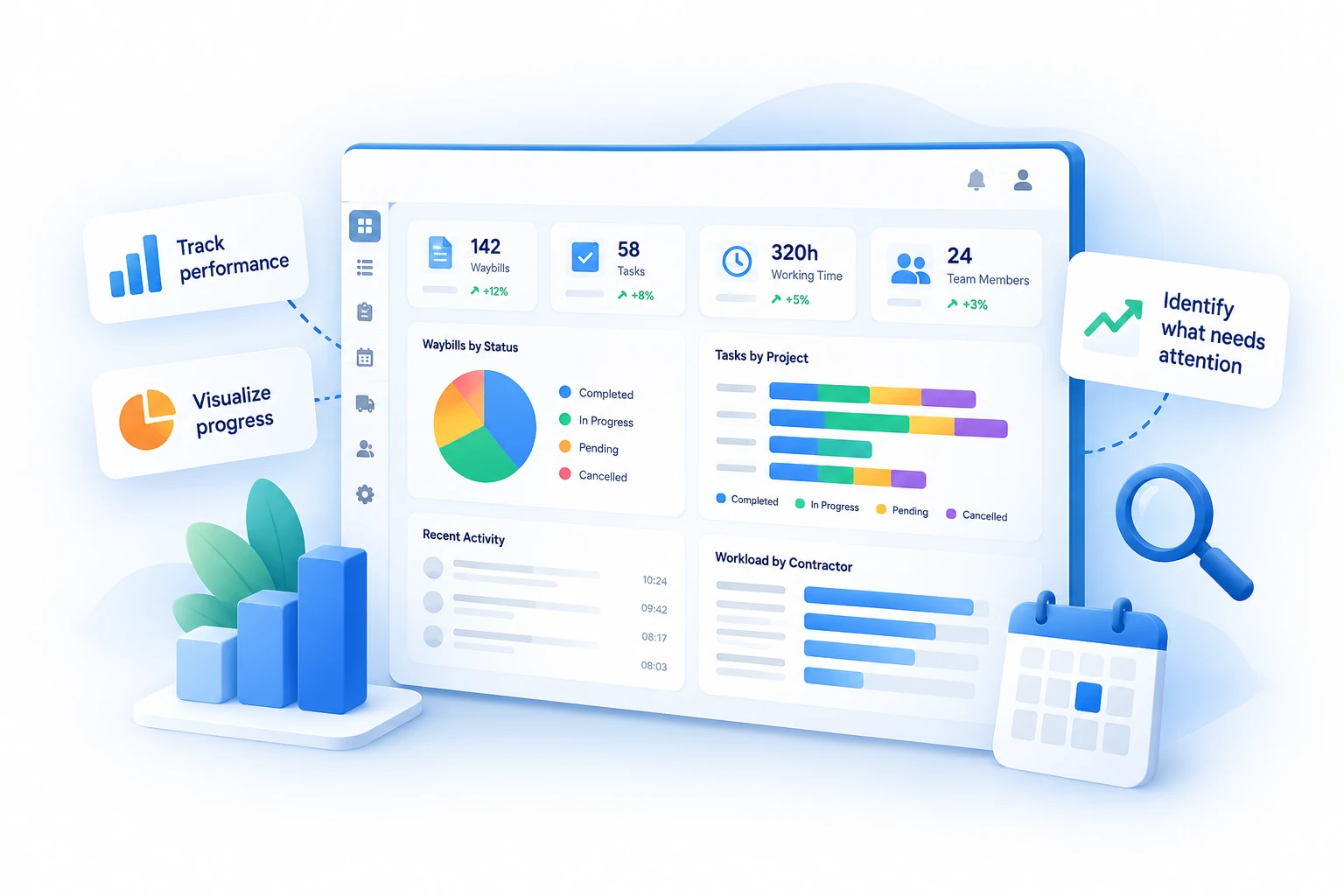
Εξετάστε αναλύσεις δελτίων αποστολής και εργασιών σε έναν πίνακα ελέγχου για να κατανοήσετε τον όγκο εργασίας, να παρακολουθείτε την πρόοδο και να εντοπίζετε όσα χρειάζονται προσοχή.
Δελτία αποστολής
Εξετάστε μηνιαία σύνολα, εκκρεμείς εγγραφές, εγκρίσεις και τιμολογημένα δελτία αποστολής.
Εργασίες
Παρακολουθήστε τη δραστηριότητα και την πρόοδο των εργασιών πεδίου.
Χρόνος εργασίας
Δείτε τον καταγεγραμμένο χρόνο εργασίας για να κατανοήσετε τη δραστηριότητα της ομάδας.
Επισκόπηση εργασιών
Συγκρίνετε τον όγκο και τις καταστάσεις των δελτίων αποστολής ανά ανάδοχο.